Five focused tabs
Dashboard, Hardware, System, Apps, and Tools keep the experience organized while still surfacing live battery, RAM, CPU, network, diagnostics progress, and deeper utilities.
Modern device diagnostics
Device Info combines live battery, RAM, CPU, network, and thermal status with detailed hardware inspection, installed-app risk signals, Wi-Fi Analyzer, Floating Monitor overlay tiles, Hardware Tests, Sensor Lab, customizable PDF reports, and six home-screen widgets.
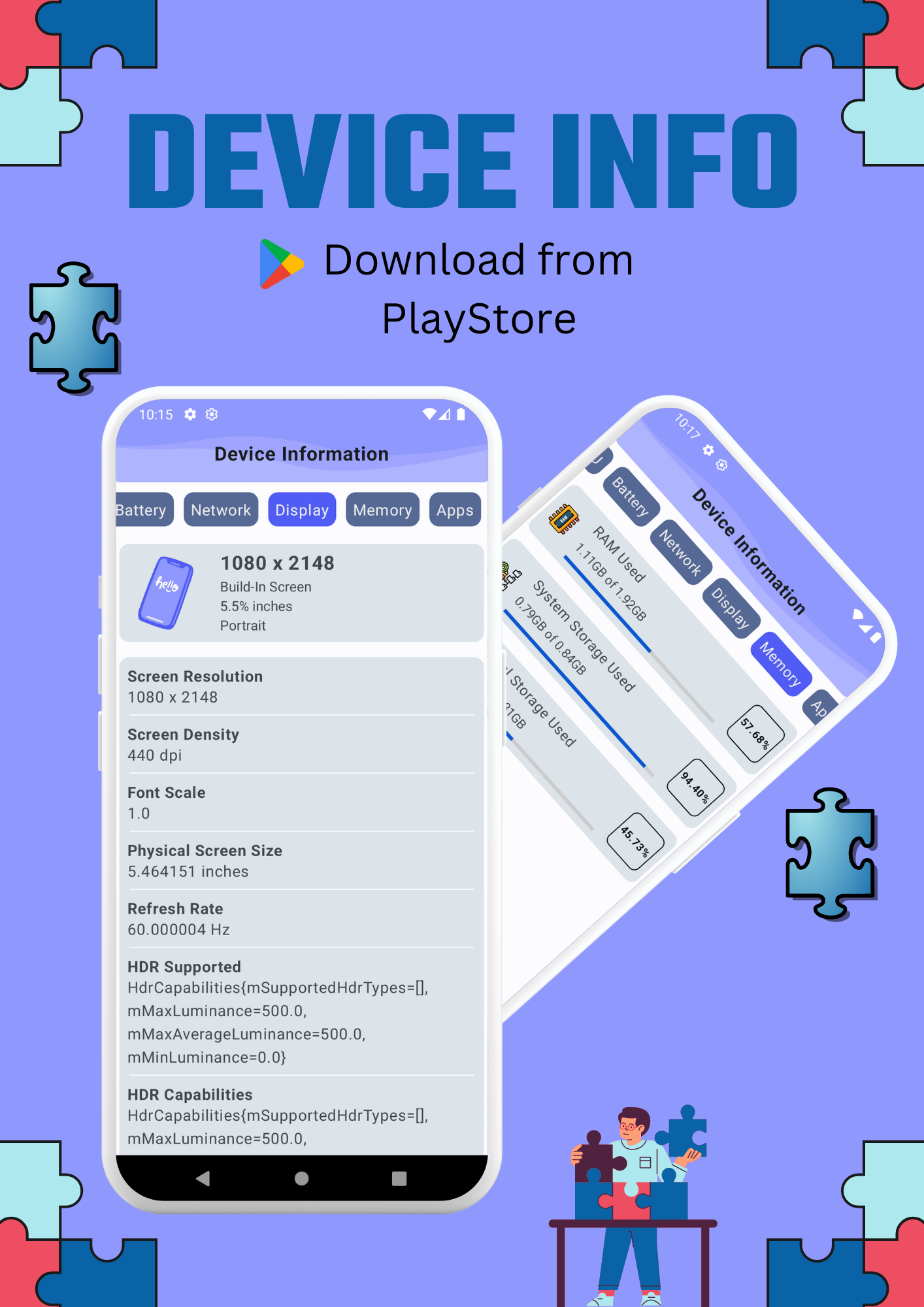


Built with Jetpack Compose for Android 11 and newer, with dark and light themes, live status cards, fast tab switching, full-screen tools, and user-started overlay monitoring.
Overview
Read-only system inspection is paired with practical tools, live diagnostics, and explainable security indicators, helping users understand the device without turning the experience into a wall of raw specifications.
Dashboard, Hardware, System, Apps, and Tools keep the experience organized while still surfacing live battery, RAM, CPU, network, diagnostics progress, and deeper utilities.
Inspect Android and build details, CPU cores, memory, storage, display, battery, thermal state, network addresses, camera capabilities, sensors, NFC support, and device features.
Browse installed apps with search, source details, version data, install timestamps, size formatting, and factual capability-based risk signals.
The Tools area links into Floating Monitor, Wi-Fi Analyzer, Hardware Tests, and Sensor Lab so users can move from live overlays to detailed diagnostics without hunting around.
Features
Scan nearby networks, compare signal strength, band, channel, width, security, vendor, and estimated distance, then review live RSSI and least-congested channel guidance.
Start draggable overlay tiles for FPS, RAM, battery, network throughput, and storage so key device metrics stay visible while using other apps.
Choose from overview, hardware, system, CPU, memory, battery, thermal, network, display, camera, sensors, apps, security, and diagnostics sections before saving a report.
Review sensor health, recent readings, and waveform-style feedback, or launch Android's secure biometric prompt to verify fingerprint hardware.
Run visual, camera, speaker, earpiece, microphone, flashlight, vibration, button, NFC, Bluetooth, Wi-Fi, location, charging, and connectivity checks. Saved status survives app restarts.
Source-aware checks look at active high-risk capabilities, granted permission combinations, and curated allow or block signals without calling heuristics proof of malware.
Keep RAM, device summary, battery, storage, CPU and temperature, or network details on the home screen. Widgets refresh automatically and support immediate manual refresh.
Open dedicated memory diagnostics, inspect each detected camera through Android's Camera2 API, and monitor live thermal throttling state alongside CPU information.
In The App
The main five-tab shell stays simple, while dedicated screens handle deeper workflows such as Wi-Fi scanning, floating metric overlays, memory diagnostics, hardware tests, sensor monitoring, and required app updates.
Quick summaries, reactive battery, RAM, CPU, network, and thermal cards, plus PDF export.
Device identity, CPU, memory, display, battery, cameras, sensors, and feature support.
Android version, build details, patch level, kernel, connectivity state, and runtime environment information.
Installed package inventory with source, size, install history, permission signals, and capability-based risk visibility.
A hub for Floating Monitor, Wi-Fi Analyzer, Hardware Tests, and Sensor Lab.
Memory diagnostics, sensor metadata, fingerprint testing, NFC checks, app-update handling, widgets, and Play review flows round out the core tab experience.
Privacy
The policy covers on-device inspection, installed-app visibility, Wi-Fi scanning, floating monitor overlays, Firebase services, Android backup behavior, PDF exports, widgets, diagnostics, biometric testing, update checks, and every permission declared by app version v6.0.0.
Most device information, Wi-Fi scan results, and overlay readings stay on the device.
The app does not contain ads and explicitly removes advertising-ID permissions.
Installed package names, nearby network lists, and generated PDF contents are not uploaded by the app's own code.
Open full policyContact
Developer of Device Info